


Read time: 3 Min
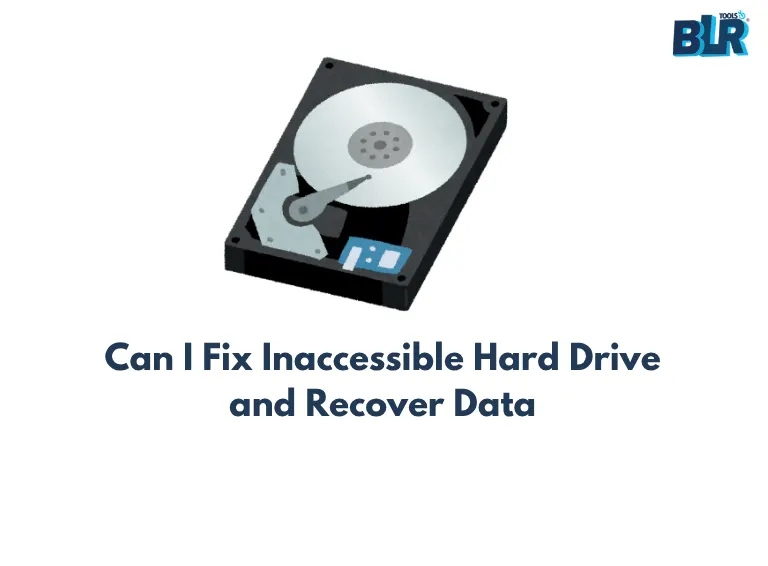
External hard drives are widely used for backing up photos, videos, documents, and files. They also facilitate the transfer of large amounts of data between systems. Their lightweight design, ample storage space, and rapid data transmission make them popular with users worldwide. But sometimes, when you connect the drive to the computer, you are surprised to see the error message “You need to format the disk in drive X: before you can use it”. After several attempts of plugging and unplugging the drive, the error persisted, which could be quite frustrating.
The only option left for users is to format the drive, which will erase all data stored on the drive. However, data recovery from a formatted drive using data recovery software. In this blog, we will learn effective ways to fix the ” external hard disk not formatted” error.
Fix External Hard Disk Not Formatted Error
Here are the common fixes that can be tried to fix the external hard drive not formatted error.
Method 1: Connect the External Hard Drive to Another PC
- Connect the external drive to another system to check if it can read it
- Restart your computer to check whether it works or not
- Run the antivirus software to get rid of any malicious programs or viruses on the external hard drive
Method 2: Run CHKDSK on Bad Sectors
- Open the ‘Run’ window.
- Type ‘cmd’ and click Enter to open the command prompt.
- Type ‘chkdsk x:/f’ (replace the letter ‘x’ in the command with the drive letter that you want to format) in the command prompt and press the Enter button.
- Next, CHKDSK will start repairing the damaged drives.
Recover Data From an Unformatted Hard Drive and Format the Drive
Windows data recovery tool is the most recommended free data recovery program for external hard drive data recovery. It can recover practically any form of file from the external HDD shows not formatted of your external hard drive, including Office documents, photographs, movies, audio, and so on.
Furthermore, data recovery tool can not only recover data from an unformatted hard drive, but it can also recover data when an external hard drive is not recognized or is not visible in Windows, and it can recover data when an external hard disk takes forever to load.

You may effortlessly recover inaccessible files from an unformatted RAW hard drive with Data Recovery software.
Conclusion
This article mostly focuses on how to repair an external hard disk that displays “external hard drive requires formatting.” The good news is that data recovery can recover data from an unformatted hard drive.